Windows Was Better With These 5 Features Microsoft Removed - BERITAJA
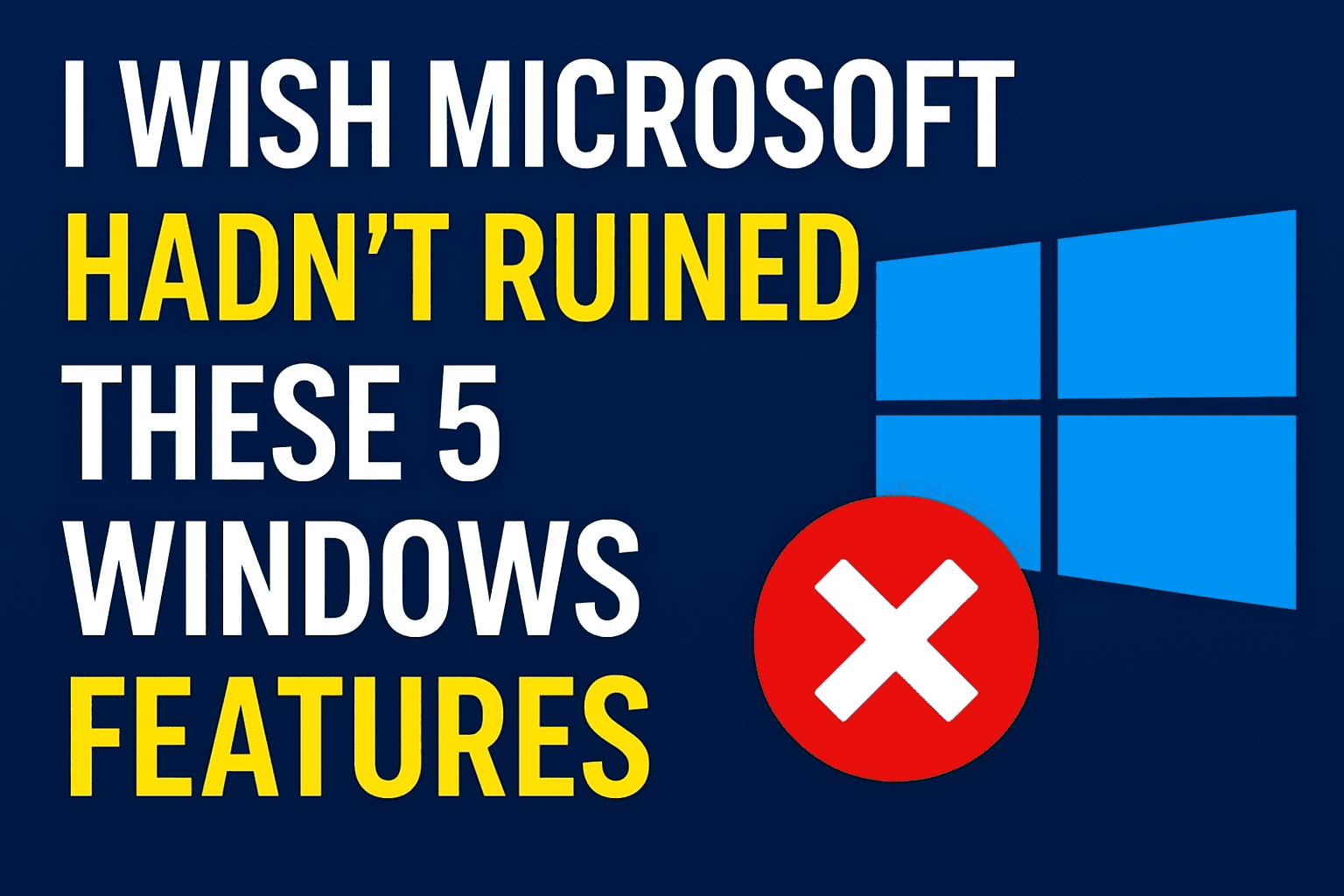
Photo by ChatGPT
If you’ve used Windows for many years, you likely remember a time when the OS felt approachable and predictable. It had quirks, yes, but also practical touches and customization options that made everyday tasks comfortable and efficient.
Over recent releases, Microsoft has pursued a cleaner, more modern aesthetic. That modernization brought benefits — but also removed or reworked many of the small conveniences that made Windows feel like your own. Below are five of the most noticeable changes that long-time users miss.
5. Built-in Troubleshooters — When Windows Could Fix Itself
In past versions, Windows shipped with built-in troubleshooters that often diagnosed and fixed problems automatically. Whether your audio stopped working, a printer refused to print, or Wi-Fi dropped, a quick run of the troubleshooter could solve it — usually offline and reliably.
Today those simple tools are largely gone and replaced by the “Get Help” app. Instead of an immediate scan and automated fix, users are led through scripted prompts that often require an internet connection. The result is a slower, less satisfying repair flow compared with the older, no-nonsense troubleshooters.
4. Control Panel — A Hub the Settings App Still Can’t Fully Match
The Control Panel was the traditional command center for deep system tweaks: display settings, user management, device options, and more. Microsoft has steadily shifted functionality into the Settings app, but the migration feels incomplete. Some options live in Settings, others in Control Panel, and some bounce you between both.
If Microsoft intends to retire Control Panel, it should ensure Settings covers everything cleanly. Until then, many users still rely on that older interface for tasks the newer app hasn’t yet replaced gracefully.
3. Right-Click Menu — Two Clicks Where One Used to Work
The classic right-click context menu was fast and familiar: copy, paste, rename, properties, third-party tools — all available instantly. Windows 11 introduced a redesigned menu that looks cleaner but hides frequent options behind a “Show more options” button, which then opens the legacy menu.
The result is an extra click and a small but real loss of efficiency. The change favors aesthetics over speed, creating a two-layer experience that many users find frustrating.
2. Start Menu and Taskbar — A Modern Makeover That Missed the Point
The Start menu and taskbar are core elements of the Windows experience. Windows 11’s redesign turned the Start menu into a minimalist app launcher and removed several customization features from the taskbar — repositioning, free resizing, and some useful pinning options are gone.
Search highlights and even ads have crept into the Start interface, while the taskbar has become more rigid. What once was a flexible hub for workflow and personalization now feels simplified to the point of constraint.
1. Setup with a Local Account — Freedom, If You Fight for It
Historically, Windows let you choose between a local account and a Microsoft account. Recent versions nudge users heavily toward signing in with a Microsoft account during setup, and skipping it can be difficult. Even when users opt for a local account, feature restrictions can follow: some app installs, AI features, and modern sign-in conveniences like Passkeys may be limited.
This shift reduces the hands-off control experienced users once enjoyed, moving the platform toward tighter integration with Microsoft services.
Conclusion
Not all change is bad — Windows is faster and more secure in many ways today. But a number of small, practical features that once made the OS feel personal have been simplified, relocated, or replaced. For long-time users who remember a more configurable and self-reliant Windows, the trade-offs can be disappointing.
Source: Wikipedia - Microsoft Windows
Other topics: