AI Privacy and Data Security Guide | Protect Your Business Data and Use AI Safely | Beritaja


AI Privacy and Data Security Guide
A
I can help small businesses analyze information, automate repetitive work, improve customer service, and make faster decisions. But using artificial intelligence also creates privacy and security responsibilities. An AI Privacy and Data Security Guide helps business owners understand what information can be used with AI, what should be protected, and how to introduce practical safeguards without requiring a large IT department.
This guide explains AI privacy and data security in straightforward terms, shows where common risks occur, and provides a practical framework that small businesses, MSMEs, entrepreneurs, managers, and other non-technical professionals can use when adopting AI.
What Is AI Privacy and Data Security?
AI privacy and data security means protecting personal, confidential, business, and sensitive information when artificial intelligence is used to collect, process, analyze, generate, or transform data. Privacy focuses on how information is collected and used, while security focuses on protecting that information against unauthorized access, loss, misuse, or exposure.
For a small business, this can involve something as simple as deciding whether an employee should paste a customer's email into an AI assistant, or as significant as connecting an AI application to a customer database. The technology may be easy to access, but the information entered into it still deserves careful handling.
The goal is not to avoid AI. The goal is to use AI in a way that matches the sensitivity of the information, the purpose of the workflow, and the level of risk the business can reasonably manage.
Why AI Privacy and Data Security Matter for Small Businesses
AI can process information quickly, which is one of its greatest advantages. That same capability means an inappropriate input can potentially expose more information than an employee realizes. Small businesses therefore need basic controls before allowing AI to become part of everyday workflows.
Privacy and security also affect trust. Customers, employees, suppliers, and business partners may expect their information to be handled responsibly. A careless AI workflow can create unnecessary privacy, contractual, operational, or reputational problems.
Security is particularly important because AI systems can become part of existing business workflows. An AI tool may interact with documents, emails, customer information, internal knowledge, software systems, or other data sources. The more connections an AI workflow has, the more carefully access should be managed.
Who Should Care About AI Data Security?
AI privacy is not only an IT issue. Business owners, managers, marketing teams, customer-service employees, sales staff, finance teams, freelancers, and anyone who enters business information into an AI system should understand the basic rules.
- Small business owners deciding which AI tools employees may use
- Managers introducing AI-assisted workflows
- Employees handling customer or employee information
- Marketing teams using AI to create or analyze content
- Sales teams working with customer and prospect information
- Professional-service businesses handling confidential client material
- E-commerce businesses processing customer and order information
- Freelancers and agencies working with information supplied by clients
What Types of Data Require the Most Care?
Not all information presents the same level of risk. A useful starting point is to classify information according to how harmful an exposure could be and whether the business actually needs to provide that information to an AI system.
| Data Type | Examples | Recommended Approach |
| Public information | Published product descriptions, public business information | Generally lower risk, but still use approved tools and workflows. |
| Internal business information | Internal procedures, planning documents, operational notes | Use approved AI services and avoid unnecessary disclosure. |
| Confidential information | Contracts, pricing arrangements, private business plans | Review the tool, access controls, and applicable obligations before use. |
| Personal information | Customer names, contact information, employee records | Minimize collection and use only when there is a legitimate business purpose. |
| Highly sensitive information | Information whose exposure could create serious harm or legal consequences | Apply stricter controls and consider whether AI processing is necessary at all. |
The exact definition of sensitive information depends on the circumstances and applicable laws. A small business should therefore avoid assuming that a particular type of information is automatically safe simply because an AI tool accepts it.
How AI Can Create Privacy and Security Risks
AI-related risk usually comes from the way a system is selected, configured, connected, or used rather than from the word "AI" itself. Understanding the workflow makes it easier to identify where safeguards are needed.
1. Employees Entering Sensitive Information
One of the simplest risks occurs when someone copies confidential information into an AI assistant to summarize, analyze, rewrite, or organize it. The employee may be focused on completing a task and overlook the sensitivity of the information.
A practical rule is to ask: Does the AI system actually need the sensitive information to complete the task? If not, remove or replace unnecessary identifying details before processing the content.
2. Excessive Data Collection
AI projects can encourage businesses to collect more information than they need. More data can mean more opportunities for accidental exposure, unauthorized access, or inappropriate use.
Data minimization is therefore a useful principle: collect, retain, and process only the information needed for a legitimate business purpose.
3. Weak Access Controls
If too many employees can access an AI system or its connected data, a compromised account can create a larger security problem. Access should be limited according to the employee's role and actual responsibilities.
4. Third-Party AI Services
Small businesses often rely on external AI services rather than building their own systems. Before using a service with business or personal information, the business should understand what the service is designed to do with submitted data, what controls are available, and whether its terms and security practices are appropriate for the intended use.
5. AI-Generated Information Can Be Incorrect
Privacy and security are not the only concerns. AI systems can generate inaccurate information. An employee who assumes an AI-generated answer is correct may make an operational, financial, legal, or customer-facing mistake.
Human review remains important whenever an AI output could materially affect a person, customer, transaction, or business decision.
AI Privacy vs. AI Security: What Is the Difference?
Privacy and security are closely related but are not identical. Privacy asks whether information is being collected and used appropriately.Security asks whether the information and systems are adequately protected.
| Privacy | Security |
| What information is collected? | Who can access the information? |
| Why is it being used? | How are accounts protected? |
| Is unnecessary information being processed? | How is information protected against unauthorized access? |
| Are people informed about relevant uses? | What happens if an account or system is compromised? |
| How long should information be retained? | Are permissions and integrations properly controlled? |
A business needs both. Strong security cannot automatically make an inappropriate use of personal information acceptable, and a privacy-conscious workflow can still be vulnerable if accounts and systems are poorly protected.
Practical AI Privacy and Data Security Framework for Small Businesses
Small businesses do not necessarily need a complicated governance program to begin. A simple framework can establish sensible boundaries and make AI adoption safer.
Step 1: Create an AI Data Inventory
List the AI tools currently used by the business and identify what information employees enter into them. Include formal company-approved tools as well as AI services employees may be using independently.
The purpose is visibility. You cannot manage a data risk that you do not know exists.
Step 2: Classify the Information
Divide information into practical categories such as public, internal, confidential, personal, and highly sensitive. Then establish which categories may be processed by approved AI tools.
Step 3: Establish an AI Use Policy
Create a short policy written in language employees can actually follow. It can specify approved tools, prohibited information, required human review, account-security requirements, and the process for reporting mistakes.
Step 4: Minimize the Data Sent to AI
Before submitting information, remove unnecessary names, contact details, account numbers, confidential figures, or other identifying information where possible.
For example, instead of asking an AI system to analyze a complete customer complaint containing personal information, an employee may be able to remove identifying details and provide only the information necessary to analyze the issue.
Step 5: Secure Accounts and Access
Use strong authentication, appropriate permissions, and separate business accounts where available. When an employee leaves the organization or changes responsibilities, review their access promptly.
Step 6: Review AI Providers Before Sensitive Use
Before using an AI service for confidential or personal information, review the provider's current documentation, privacy information, security controls, data-handling terms, and administrative features relevant to your use case.
Do not assume that two AI products handle information in exactly the same way. Their policies, configurations, retention practices, and available controls may differ.
Step 7: Keep Humans in the Loop
AI should support appropriate business decisions rather than automatically replacing judgment in situations where errors could have meaningful consequences.
Step 8: Review the Workflow Regularly
AI tools and business processes change. Review your AI inventory, permissions, policies, and data flows periodically rather than treating security as a one-time project.
Realistic AI Privacy Examples for Small Businesses
The following examples are hypothetical scenarios designed to show how the principles can be applied in different business environments.
Retail Business
Problem: A retailer wants AI to identify common themes in customer feedback.
How AI is used: Staff provide appropriately minimized customer feedback for classification and summarization.
Expected benefit: Faster identification of recurring product or service issues.
Human oversight required: Employees review AI-generated categories before making operational decisions.
Professional Services Firm
Problem: A small consultancy spends significant time summarizing meeting notes.
How AI is used: An approved AI workflow summarizes information after unnecessary sensitive details have been removed where appropriate.
Expected benefit: Less manual administrative work.
Human oversight required: The consultant verifies important names, actions, deadlines, and conclusions.
E-Commerce Business
Problem: The business receives a large number of customer questions.
How AI is used: AI helps draft responses based on approved product and service information.
Expected benefit: Faster preparation of routine customer responses.
Human oversight required: Staff verify answers involving refunds, unusual complaints, account issues, or sensitive information.
Marketing Agency
Problem: A small agency wants to accelerate content research and drafting.
How AI is used: AI assists with brainstorming, outlines, summaries, and first drafts using information appropriate for the selected workflow.
Expected benefit: A more efficient content-production process.
Human oversight required: Editors verify accuracy, originality, confidential information, and client-specific requirements.
What Small Businesses Should Not Put Into AI Tools Without Careful Review
A useful default is to treat sensitive information as restricted until the business has established that a particular AI workflow is appropriate.
- Unnecessary personal information
- Confidential customer or client records
- Private employee information
- Passwords, authentication secrets, or security credentials
- Confidential contracts and commercially sensitive documents
- Information that a customer or business partner has specifically restricted
- Data that the business has no legitimate reason to process
This does not mean that every AI use involving such information is automatically prohibited. It means the business should understand the purpose, data flow, controls, contractual requirements, and applicable obligations before proceeding.
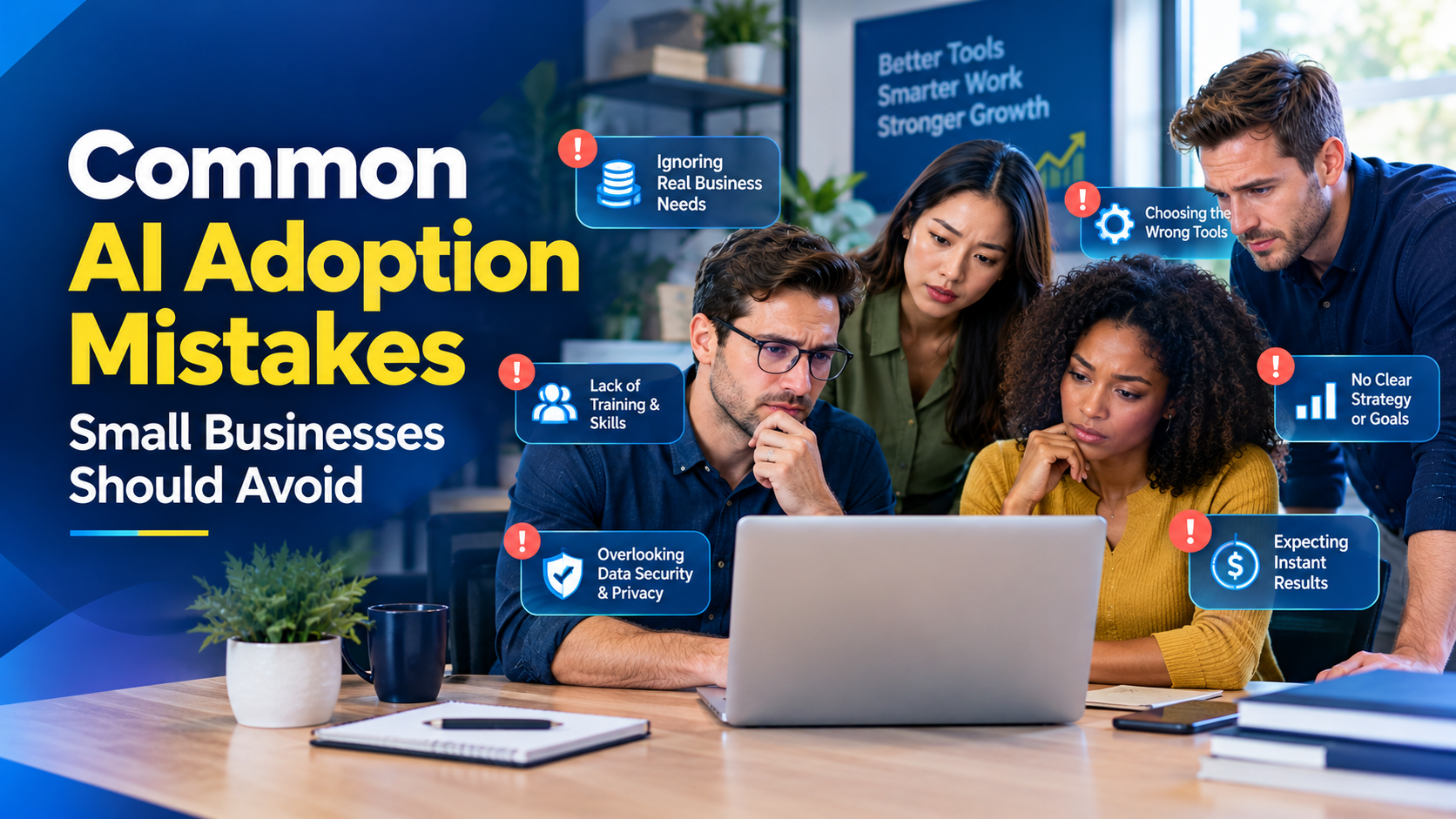
Common AI Privacy and Security Mistakes
Using AI Without a Clear Business Purpose
AI should solve a genuine business problem. If sensitive information is being processed simply because an AI tool can process it, the business may be creating unnecessary risk.
Assuming a Popular Tool Is Automatically Safe
Popularity does not remove the need for review. Businesses should evaluate the specific service, account configuration, data involved, and intended workflow.
Allowing Employees to Use Any AI Tool
Uncontrolled use can make it difficult to understand where business information is being sent. An approved-tools list and simple employee guidance can provide a clearer boundary.
Giving AI Too Much Access
AI integrations should receive only the access necessary for their intended function. Excessive permissions increase the potential impact of an error or compromised account.
Skipping Human Review
AI-generated content can sound convincing even when it is incomplete or incorrect. Human review is especially important for consequential decisions and customer-facing information.
Forgetting About Data Retention
Businesses should understand how information is stored and retained within the tools they use and avoid keeping sensitive information longer than necessary.
How AI Privacy Fits Into AI Governance and Ethics
Privacy and security should not be treated as isolated technical concerns. They are part of broader responsible AI governance. A business needs to consider not only whether an AI system works, but also whether it is being used appropriately and whether people remain accountable for its outcomes.
For a deeper discussion of responsible AI principles, see our guide to AI ethics for small businesses.
The broader governance framework is covered in the AI governance and strategy guide for small businesses, which provides the wider context for policies, accountability, risk management, and responsible implementation.
Privacy and security also connect naturally with the wider complete guide to AI for small businesses, which provides the broader foundation for understanding how AI can be adopted in an SME environment.
When AI May Not Be the Right Choice
Responsible AI adoption also means knowing when not to use AI. A traditional workflow may be better when the task is simple, the volume is low, the information is highly sensitive, or the cost and complexity of introducing AI outweigh the expected benefit.
For example, if a business needs to perform a task once a month and it takes only a few minutes manually, building an automated AI workflow may add unnecessary complexity. Similarly, if a process requires handling particularly sensitive information and there is no clear need for AI, avoiding unnecessary processing may be the safer option.
The right question is not "Where can we add AI?" but "Where does AI provide enough value to justify the operational, privacy, security, and oversight requirements?"
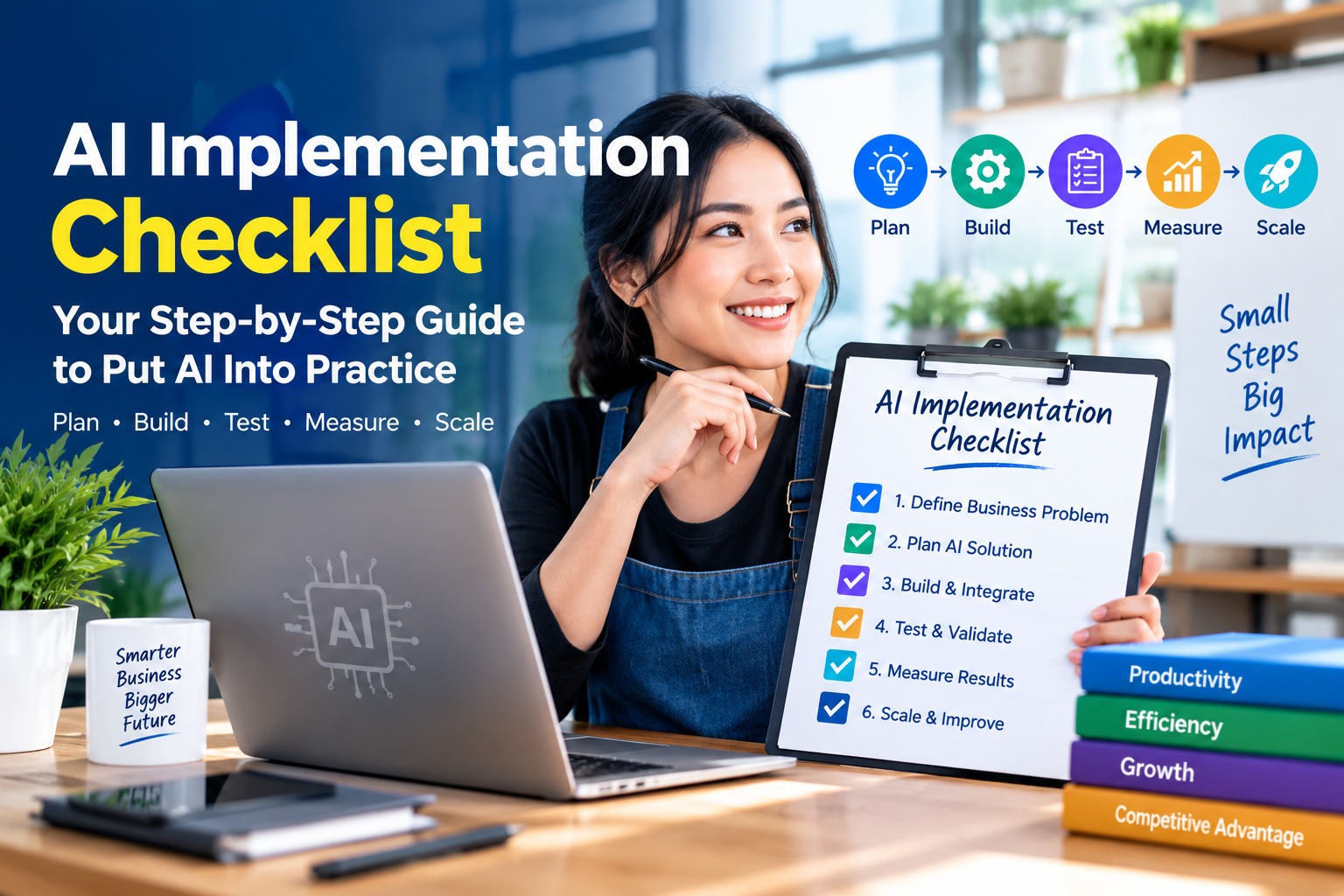
A Simple AI Privacy Checklist for Small Businesses
Before introducing an AI tool into a business workflow, use this checklist:
- Identify the business problem the AI tool is intended to solve.
- Identify what information the tool will receive.
- Remove information that is not necessary for the task.
- Classify the remaining information according to its sensitivity.
- Confirm that the AI service is appropriate for the intended information.
- Review available privacy, security, account, and access controls.
- Limit access to employees who actually need it.
- Define when human review is mandatory.
- Train employees on acceptable and unacceptable AI use.
- Monitor the workflow and revise it when the business or technology changes.
Frequently Asked Questions About AI Privacy and Data Security
What is the biggest AI privacy risk for a small business?
One common risk is submitting sensitive or unnecessary information to an AI service without first understanding the workflow and applicable controls. The risk can often be reduced through data minimization, approved-tool policies, employee training, appropriate account security, and human oversight.
Can small businesses use AI without exposing customer data?
Yes, businesses can design AI workflows that minimize or avoid unnecessary customer information. For example, identifying details can sometimes be removed before analysis, or AI can be restricted to public and internal information. The appropriate approach depends on the task, the data, the AI service, and the business's obligations.
Should employees be allowed to use personal AI accounts for business work?
Businesses should establish clear rules rather than assuming personal accounts are appropriate for company work. A company-approved AI environment can make it easier to manage access, training, data handling, and accountability. Employees should know what types of business information they may and may not submit to AI tools.
Does using AI automatically create a data security problem?
No. AI is a technology, and risk depends heavily on how it is implemented and used. A low-risk workflow using public information can be very different from an AI system connected to sensitive customer records. Businesses should assess the data, access, integrations, purpose, and potential consequences of each workflow.
How can a small business start improving AI security?
Start with visibility and simple rules. Identify the AI tools employees use, classify the information they process, establish approved tools and prohibited data categories, secure accounts, minimize submitted information, and define where human review is required. These steps create a practical foundation without requiring a complex enterprise program.
Should confidential business documents ever be used with AI?
They should not be submitted casually. First determine whether the AI workflow genuinely needs the document, whether sensitive sections can be removed, and whether the selected service provides controls appropriate for the information. Contractual, privacy, regulatory, or confidentiality obligations may also affect whether the document can be processed.
Why is human oversight important when using AI?
AI systems can produce inaccurate, incomplete, or inappropriate outputs. Human review provides an opportunity to identify errors before they affect customers, employees, finances, operations, or important business decisions. The level of review should reflect the potential consequences of an incorrect AI output.
How often should a small business review its AI privacy practices?
AI privacy practices should be reviewed periodically and whenever there is a meaningful change in tools, data sources, integrations, business processes, or responsibilities. A review should confirm that approved tools, access permissions, employee guidance, and data-handling practices still match the business's actual AI usage.
Conclusion: Build AI Privacy Into the Workflow From the Start
An effective AI Privacy and Data Security Guide is ultimately about making better decisions about information. Small businesses do not need to avoid AI to protect privacy and security, but they should avoid treating every AI workflow as harmless simply because the technology is easy to access.
Start by identifying where AI is being used, understanding what data enters each system, minimizing unnecessary information, controlling access, reviewing AI providers, training employees, and maintaining human oversight. Then review those safeguards as the business's AI usage evolves.
The practical next step is simple: choose one AI workflow your business currently uses and map the information that enters it. Ask whether every piece of data is necessary, who can access the workflow, what could happen if the information were exposed, and where a human should review the result.
That small exercise can become the foundation of a broader, responsible AI strategy for your business.